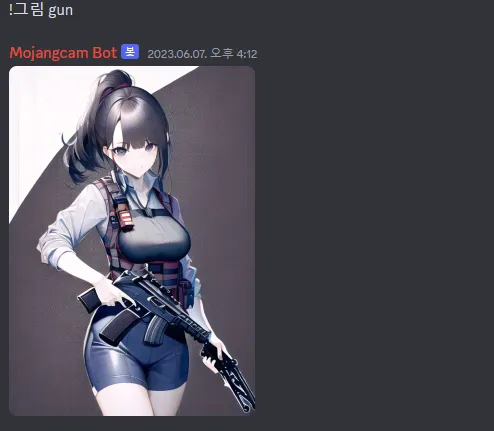
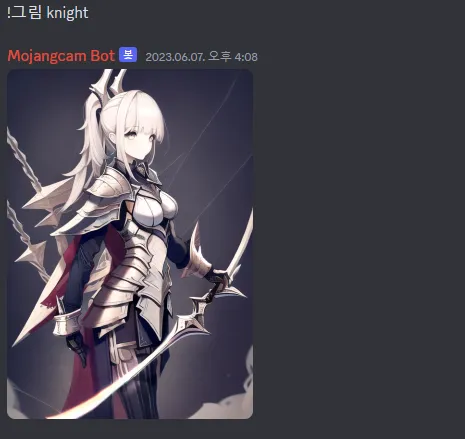
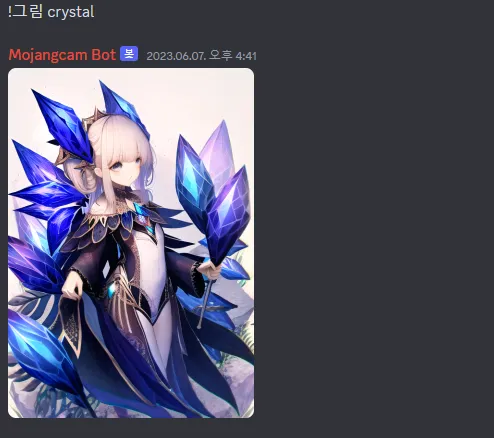
Discord Bot - 명령어 입력하면 AI가 그림그려주기
 글쓴이 Mojangcam
Discord 코드 입니다.
import discord
from datetime import datetime
import torch
from torch import autocast
from diffusers import StableDiffusionPipeline, DPMSolverMultistepScheduler
loading = 0
def ai_Drawing(promptin):
if loading \== 0:

    model\_id \= "Linaqruf/hitokomoru-diffusion-v2"

    pipe \= StableDiffusionPipeline.from\_pretrained(model\_id, torch\_dtype\=torch.float16, low\_cpu\_memory\=False)

    pipe.scheduler \= DPMSolverMultistepScheduler.from\_config(pipe.scheduler.config)

    pipe \= pipe.to("cuda")

prompt \= f"masterpiece, best quality, high quality, {promptin}"

negative\_prompt \= "worst quality, low quality, medium quality, deleted, lowres, comic, bad anatomy, bad hands, text, error, missing fingers, extra digit, fewer digits, cropped, jpeg artifacts, signature, watermark, username, blurry"

with autocast("cuda"):

    image \= pipe(prompt,

                negative\_prompt\=negative\_prompt,

                width\=512,

                height\=728,

                guidance\_scale\=12,

                num\_inference\_steps\=50).images\[0\]

    image.save(f"AI\_Drawing.png")
class MyClient(discord.Client):
async def on\_ready(self):

    print('Logged on as {0}!'.format(self.user))

    await self.change\_presence(status\=discord.Status.online, activity\=discord.Game("대기중"))

async def on\_message(self, message):

    if message.author \== self.user:

        return

    if message.content.startswith('!그림'):

        prompt \= message.content\[4:\]

        string \= ""

        for i in prompt:

            string += i

        print(string)

        ai\_Drawing(promptin\=string)

        with open('AI\_Drawing.png', 'rb') as f:

            picture \= discord.File(f)

            await message.channel.send(file\=picture)
intents = discord.Intents.default()
intents.message_content = True
client = MyClient(intents=intents)
client.run(TOKEN)
Anaconda로 실행을 하셔야 하며, pytorch, diffusers 설치 해야합니다.
저는 gpu버전으로 cuda와 따로 설치를 해서 진행을 했습니다.
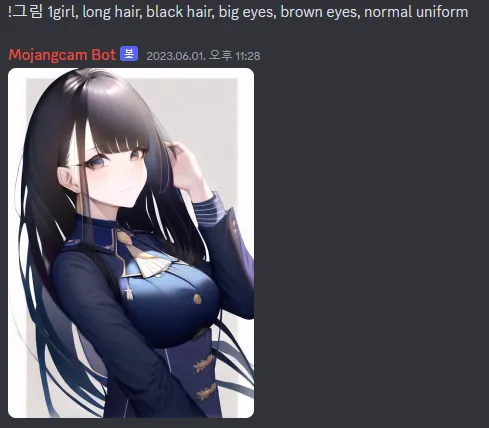
명령어는 !그림 [prompt] 입니다.